
How to Login to Your Y999 Game Account?
Logging into your Y999 Game account is simple and quick. After logging in, you can access your wallet, play games, and check your rewards.
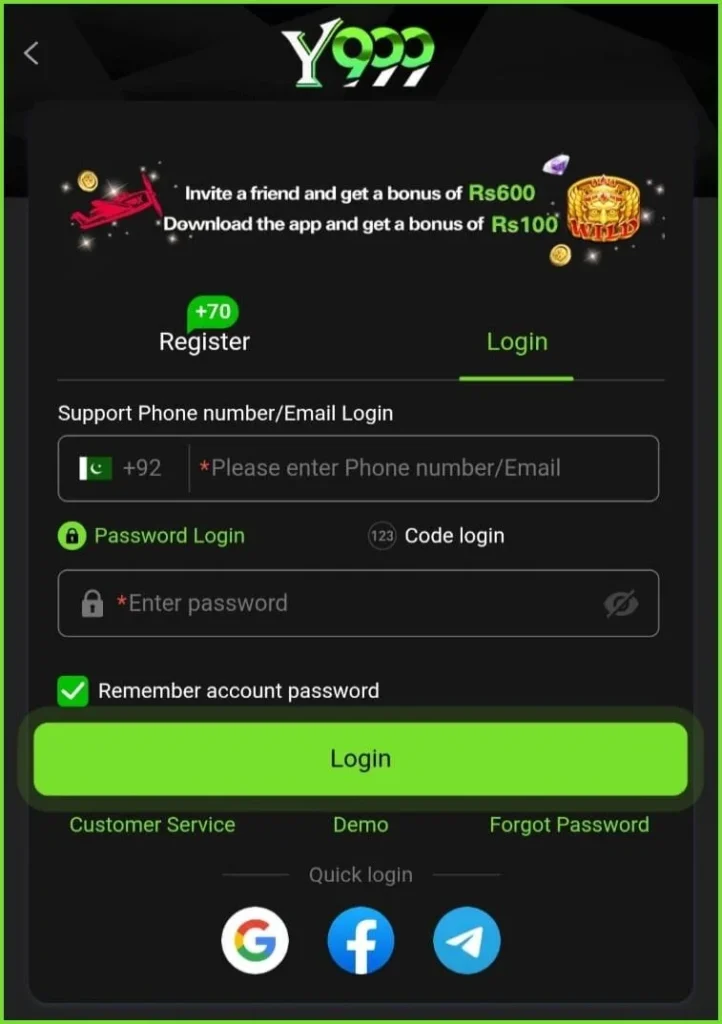
Step 1: Open the Y999 Game App
First, launch the Y999 Game app on your mobile phone. Ensure the app is correctly installed on your device.
Step 2: Tap on the Login Option
When the app opens, you’ll see the Login option on the main screen. Tap it to proceed.
Step 3: Enter Your Login Details
Now, enter the details you provided during registration. Usually, you need to enter:
- Your registered mobile number
- Your account password
Ensure the information is accurate.
Step 4: Click the Login Button
Enter your details and tap Login. The system will verify your information.
Step 5: Access Your Account
If your details are correct, you’ll be able to log in successfully to your Y999 Game account. Now you can explore the games, check your balance, and enjoy the features of the app.
Need Help?
If you encounter any problems while logging in, you can Contact Us through our website. Our team will try to guide you and help solve your issue as soon as possible.